Free guide
How we make our films.
You asked, so here it is. These are the tools we use and the way we work, from the first line to the final frame.
The tools.
Six tools carry almost everything we make. These are the versions we used in November 2026.
Characters, locations and start frames at 2K. We use the Flare version for fast first drafts.
Our second image model. When GPT Image 2.6 refuses a frame, this one often takes it.
Turns a start frame into a shot of 5 to 7 seconds, with sound. Drafts at 480p, finals at 1080p.
Where we run all the image and video models, from one place.
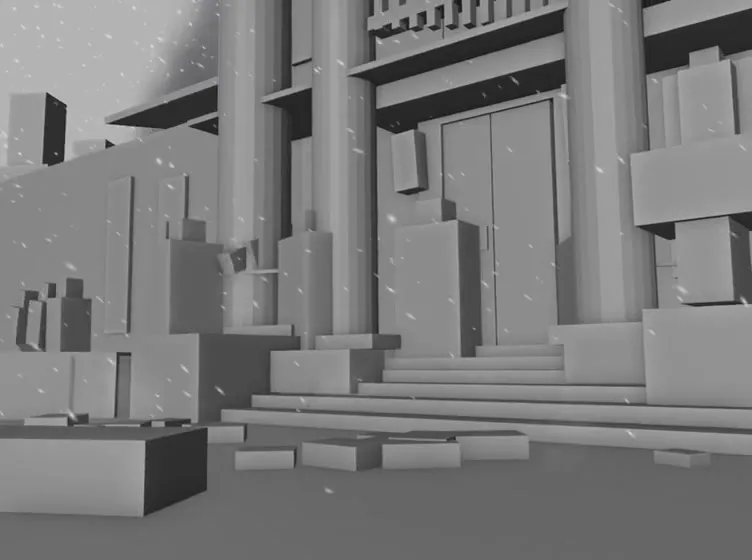
Grey blockouts for the scenes where timing must be exact.
The edit, the sound and the final file.
The approach.
The tools change every few weeks. This order does not.
- Write the film first
One line for the story, one rule for the world and one rule for the camera. Then a shot list with what happens and how long it lasts. With the sound off, the story should still work.
- Build the cast apart
Make every character, weapon and location on its own, on plain white, in four options. We draft in GPT Image 2.6 Flare, pick one and take it to 2K in GPT Image 2.6. Approve the costume first, because everything else builds on it.
- Make one rich frame per scene
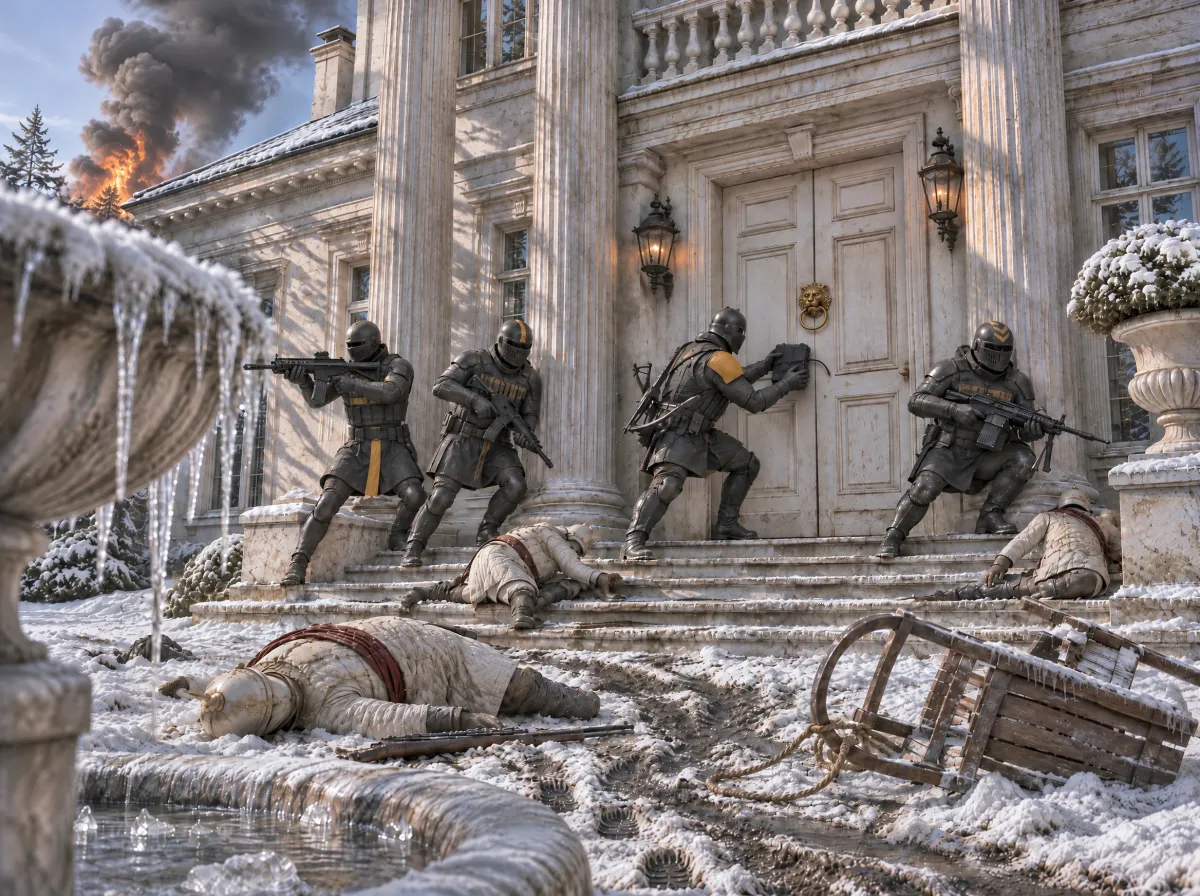
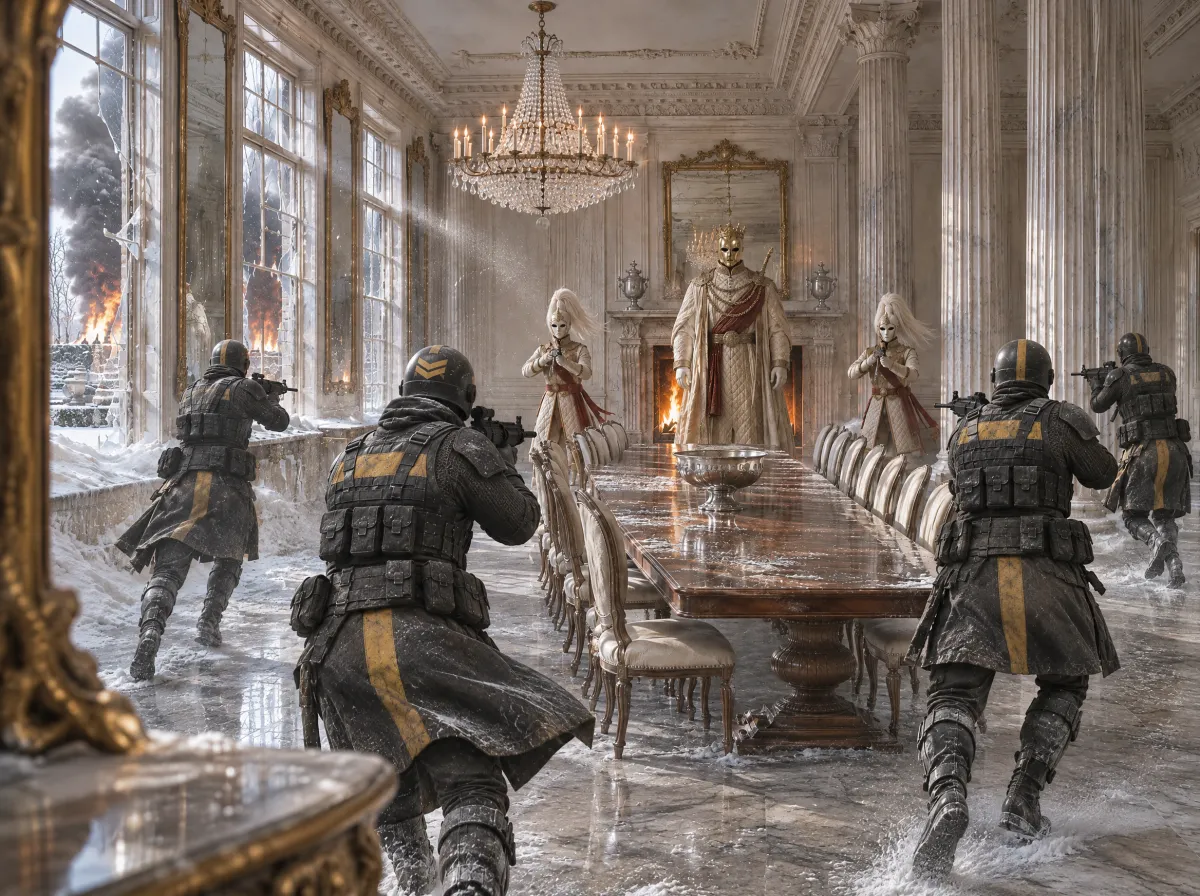
Feed the approved parts in as references and make two options per scene. Fill the frame: cover in the foreground, mud on the paths, smoke in the air. Get the weapons and the number of people right here, because the video follows this frame.
- Choose a blockout or a prompt
We tried all 13 scenes of our last film both ways. A grey Blender blockout won 5, where timing and who does what had to be exact. The prompt alone won 8 and felt more cinematic. In Blender, stick to camera and movement, because the render copies what it sees.
- Draft small, finish once
Render each scene at 480p in Seedance 2.5 and review it on its own. Write down what is wrong, fix it and only go to 1080p once it is right. Without a blockout, write the camera second by second, like a person holding it. The word handheld on its own does nothing.
- Cut it on the beat
Write the scene order for the track, then cut on the kick or the clap in DaVinci Resolve 21. Jump forward inside a take to keep the pace, and let every zoom play out in full.
A real prompt.
This is the exact prompt behind the start frame of our kitchen scene. Each numbered image is a reference we approved earlier, so swap in your own.
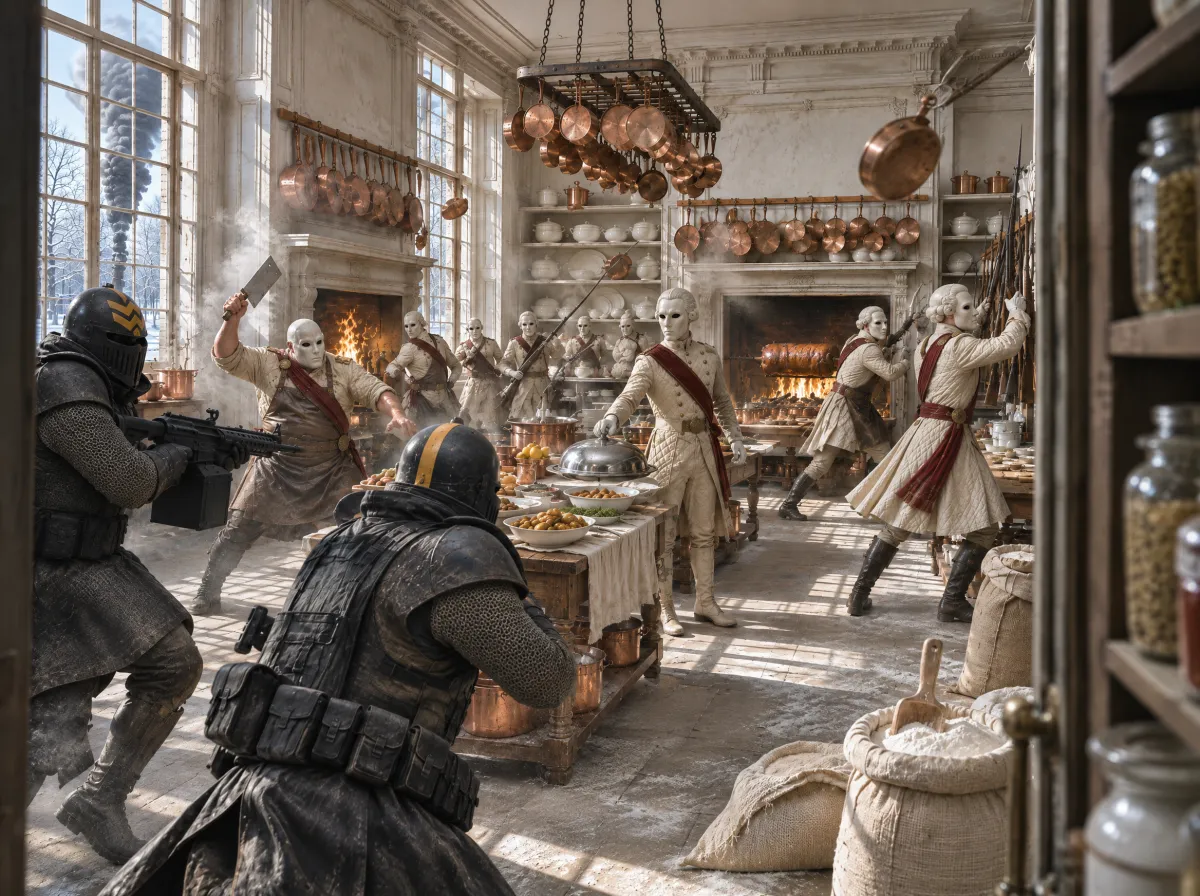
Start frame prompt, GPT Image 2.6The kitchenShow promptHide prompt
This is one of five prompts. The other four are in the full breakdown.
Where to start.
Do not start with a film. Start with one five-second shot.
- Write one sentence
Who wants what, and what stands in the way?
- Make one character
Build them on plain white in GPT Image 2.6 until you would put them in a film.
- Make one start frame
Put that character in a location, with the kitchen prompt as your template.
- Render one draft
Use Seedance 2.5 at 480p, write the camera second by second and fix what is wrong before you go further.
The full breakdown
You just saw the outline.
This is the whole film.
Knock Knock took 13 scenes and six rounds. The breakdown walks you through every round, with the frames we picked and the prompts we really used. Read it tonight and use it on your next shot.
- Four more real promptsIncluding full video prompts of more than 8,000 characters, timed second by second.
- All 13 start framesThe frame we picked for every scene, in order.
- Blockout against renderSee a grey Blender shot turn into the final as you scroll.
- Why the prompt won 8 of 13When a blockout is worth it, and when it holds a shot back.
- The edit, cut by cutHow 13 scenes became 21 cuts on kicks and snares.
- The film itselfWatch the final with every step that led to it.
From the prompt of the final scene
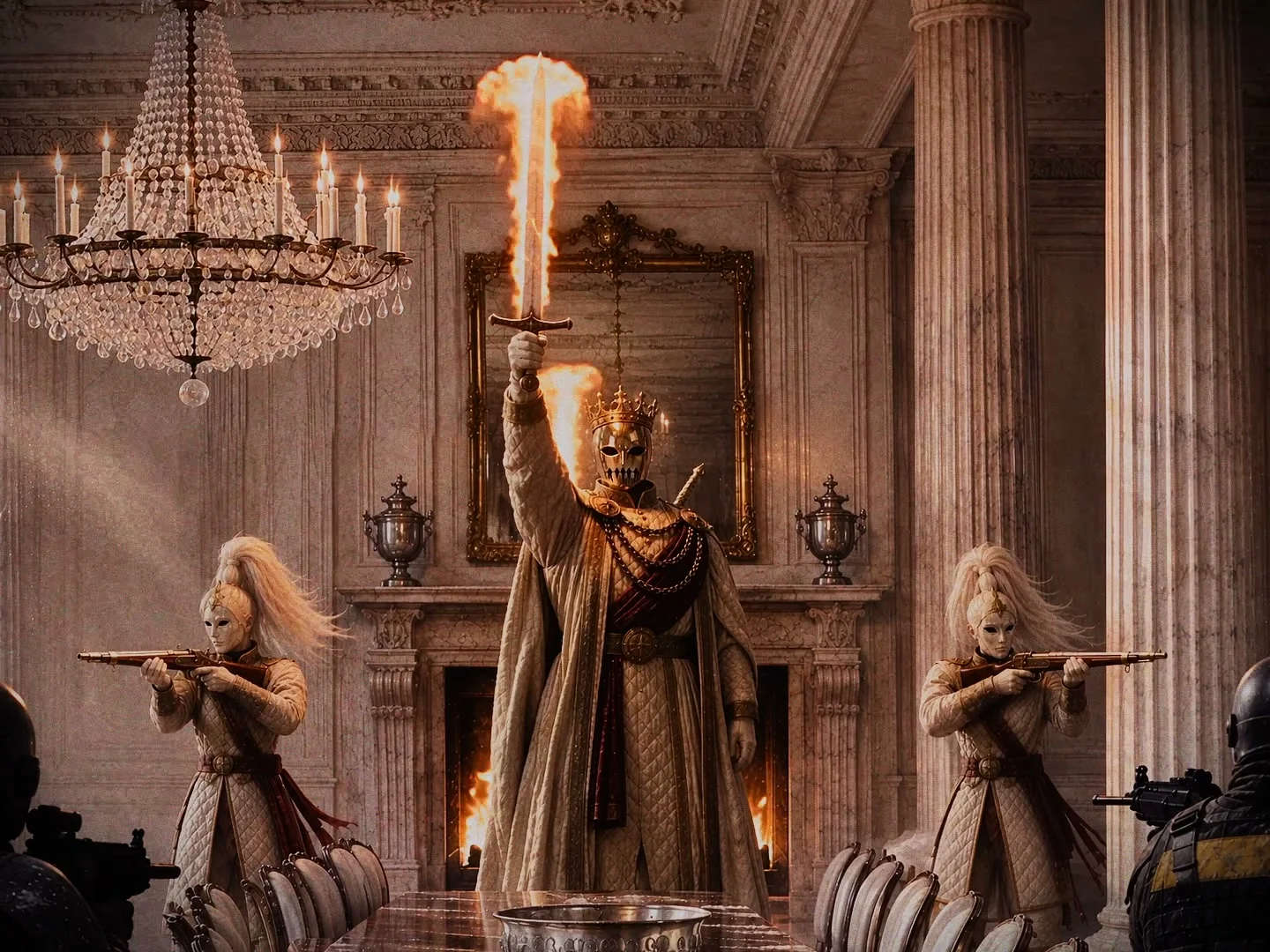
3.0-3.3s: A beat of total tension, the Lord's hand closes around the grip behind his shoulder. 3.3-5.0s: Slowly, heavily, in one long unbroken movement with real weight, he draws the whole great sword out of the holder on his back. His arm rises and straightens, his shoulder and chest turn with it, more and more of the long blade slides out behind his head, until the entire blade is free, tip and all, and he stands with his arm stretched straight up above his head, the complete sword held high, the blade pointing straight up at the ceiling. The draw is complete: the whole sword is out of the holder and we see it from pommel to tip. It points up, never down. He never hurries.
Launch price
€29 Goes up to €59 after 13 NovemberGet the next one.
One email when a new breakdown is out.
By signing up you agree that we email you about new breakdowns. Privacy. Unsubscribe any time.